
That initial onboarding window is your single best chance to turn a new signup into a lifelong power user. The first emails a customer receives set the tone for their entire journey, directly influencing activation rates, feature adoption, and long-term retention. Get it right, and you create an engaged advocate; get it wrong, and you risk a quick churn. Staring at a blank email editor, however, is daunting. The pressure to craft the perfect welcome message, product tour, and value proposition can lead to analysis paralysis.
A proven onboarding email template doesn't just save time; it provides a strategic blueprint for success. This guide cuts through the noise to bring you the 12 best resources for high-performing SaaS onboarding emails, sourced from platforms like HubSpot, Customer.io, and Mailchimp. We go beyond simple copy-paste templates to provide a comprehensive framework for each one. You'll find specific guidance on timing, segmentation rules, key performance indicators (KPIs) to track, and A/B test ideas to optimize your sequences.
Crucially, we'll show you how to trigger these flows automatically using real-time signals from your product and payment stack, such as combining Stripe data with a churn prevention platform like LowChurn. But before an email can convert, it must be opened. To ensure your initial emails achieve their purpose, mastering the art of crafting compelling, high-converting email subject lines is paramount. Get ready to build an onboarding sequence that actually works, drives user activation, and lays the foundation for reducing churn from day one.
1. HubSpot
HubSpot is an excellent starting point for any SaaS team building its initial onboarding sequence. While known for its comprehensive CRM and marketing automation software, the company also provides a wealth of high-quality, free resources, including a standout "Customer Onboarding Templates" pack. This downloadable bundle offers more than just a basic onboarding email template; it includes handoff emails, welcome packets, checklists, and project timelines, giving you a holistic view of the entire customer journey.
The primary strength of HubSpot's offering is its educational context. The templates are practical and easily adaptable, but they are also supported by extensive blog content and guides that explain the strategy behind each asset. This approach helps teams not only implement a template but also understand the core principles of effective customer onboarding. For teams looking to build a strong foundation, reviewing these resources alongside established customer onboarding best practices can significantly accelerate their learning curve and improve initial results.
Key Details & Access
- Access: The template pack is free to download but requires you to submit a form with your contact information.
- Format: These are not interactive templates within an email builder. You receive downloadable files (e.g., Google Docs, PDF) that you must copy and adapt for your own email service provider or automation platform.
- Best For: Teams that need a well-rounded, no-cost set of onboarding assets and value the educational content that provides strategic guidance.
| Pros | Cons |
|---|---|
| Completely free, high-quality resources | Requires a form fill to access downloads |
| Comprehensive pack beyond just email templates | Not a drag-and-drop editor; manual implementation |
| Excellent educational content and guidance | Templates are generalized for a broad audience |
Website: https://www.hubspot.com
2. Mailchimp
Mailchimp is a well-known email marketing platform that offers a practical and accessible solution for teams launching their first onboarding sequence. Instead of providing downloadable files, Mailchimp offers pre-built welcome series and automated customer journeys directly within its platform. This integrated approach is ideal for startups and small businesses that want to implement a basic but effective onboarding email template with minimal technical overhead.
The primary advantage of using Mailchimp is its low barrier to entry. The platform’s user-friendly interface guides you through setting up an automated welcome email or a multi-step onboarding flow. For users on Standard or Premium plans, Mailchimp also offers a one-on-one onboarding consultation service to help set up audiences and campaigns correctly. This hands-on support, combined with its robust automation features, makes it a strong choice for teams who value speed and simplicity. For those seeking to deepen their strategic understanding, exploring a comprehensive guide to SaaS customer onboarding can complement Mailchimp’s practical tools.
Key Details & Access
- Access: Pre-built templates and automation journeys are available within the Mailchimp platform, with feature access varying by pricing tier.
- Format: These are interactive, customizable templates within Mailchimp's drag-and-drop email builder and automation workflows.
- Best For: Startups and teams that prioritize a fast, low-effort implementation and want an all-in-one platform for creating and sending their onboarding emails.
| Pros | Cons |
|---|---|
| Low lift to get a welcome/onboarding series live | Advanced behavioral triggers require higher-tier plans |
| Large ecosystem and many pre-built templates | Consultation availability varies by plan and location |
| Integrated builder and automation platform | Can become costly as your contact list grows |
Website: https://mailchimp.com
3. Klaviyo
Klaviyo is a powerful email marketing and automation platform, particularly popular with ecommerce and SaaS businesses that prioritize data-driven communication. While not a simple template repository, it provides a comprehensive "Flow" library with pre-built sequences, including robust Welcome Series that serve as an excellent foundation for any onboarding email template. The platform excels at using deep event data to trigger and personalize messages, allowing you to create a highly relevant user journey from day one.
The key advantage of using Klaviyo is its integration of templates directly into a powerful automation engine. Instead of just copying text, you import an entire logical flow that can be customized with your branding, content, and specific triggers. This approach bridges the gap between template and implementation, making it faster to launch sophisticated, behavior-driven onboarding sequences. For SaaS teams, this means you can easily create paths for users who have activated a key feature versus those who haven't, all from a single flow template.
Key Details & Access
- Access: Klaviyo offers a free plan for up to 250 contacts. Access to the Flow library and pre-built templates is available on all plans, including the free tier.
- Format: These are interactive, pre-built automation flows within the Klaviyo platform. You add them to your account with a single click and then customize the content and logic.
- Best For: SaaS and ecommerce teams that want to quickly deploy and personalize onboarding flows based on user behavior and product interaction data.
| Pros | Cons |
|---|---|
| Fast one-click deployment of entire sequences | Most value is unlocked by integrating event data |
| Strong personalization and segmentation capabilities | Learning curve for advanced flow logic and filters |
| Scales well from small startups to large enterprises | Can be more complex than a simple template download |
Website: https://www.klaviyo.com
4. Customer.io
For teams that need a powerful automation engine behind their onboarding, Customer.io offers a robust platform with flexible email templates and multichannel capabilities. Rather than providing static downloadable files, Customer.io equips users with starter layouts, a visual design studio, and practical welcome email copy templates directly within its messaging platform. This approach is ideal for SaaS businesses aiming to build sophisticated, data-driven lifecycle campaigns that extend beyond just email.
The primary strength of Customer.io is its ability to orchestrate communication across email, in-app messages, SMS, and push notifications from a single workflow. This allows you to create a cohesive onboarding experience that guides users with the right message on the right channel at the right time. By connecting your product events and user data, you can move beyond a generic onboarding email template and build truly personalized sequences. Integrating this level of automation is a core component of advanced customer onboarding strategies that drive activation and long-term retention.
Key Details & Access
- Access: Templates are available within the Customer.io platform, which requires a paid subscription. They offer various pricing tiers based on user profiles and message volume.
- Format: These are interactive templates and layouts within the platform's drag-and-drop or HTML editors. You can create and save reusable components for brand consistency.
- Best For: Tech-savvy teams that need a powerful, multichannel automation platform and want to build highly personalized onboarding campaigns triggered by real-time user behavior.
| Pros | Cons |
|---|---|
| Flexible template system for design and dev customization | Some layout features can differ depending on the editor used |
| Strong automation and data personalization capabilities | Best fit if you wire in product events and user data |
| Multichannel orchestration (email, SMS, in-app, push) | Can be more complex to set up than simple template downloads |
Website: https://customer.io
5. ActiveCampaign
ActiveCampaign provides a robust platform for teams that want to move beyond static templates and build dynamic, automated onboarding sequences. The platform offers a free Customer Onboarding email template and a library of "automation recipes," which are pre-built workflows designed for common SaaS use cases like trial nurturing, feature adoption, and post-purchase follow-ups. This combination of assets makes it a powerful choice for businesses ready to implement more sophisticated lifecycle marketing from day one.
A unique feature that sets ActiveCampaign apart is its free design service, available on all paid plans. Their team will customize a template to match your company's branding, saving lean teams significant time and resources. This service offers a quick path to a professional and on-brand onboarding email template without requiring in-house design expertise or expensive freelancers. The drag-and-drop editor and new AI template generator further streamline the creation process, allowing for rapid customization and iteration.
Key Details & Access
- Access: The template and automation recipes are available for free within the platform. The free design service is included with any paid ActiveCampaign subscription.
- Format: Interactive templates are managed within ActiveCampaign’s drag-and-drop editor. Automation recipes are pre-built workflows that can be imported directly into your account.
- Best For: SaaS businesses and subscription companies that need a powerful automation engine to support their onboarding emails and want a fast, no-fuss way to get professionally branded templates.
| Pros | Cons |
|---|---|
| Quick path to professionally branded onboarding emails | Multiple editor versions (Classic vs. new) can be confusing |
| Solid automation depth for various SaaS lifecycle use cases | Advanced personalization may require additional setup or help |
| Free template design service included with paid plans | Primarily a full marketing platform, might be overkill for just templates |
Website: https://www.activecampaign.com
6. Twilio SendGrid
Twilio SendGrid is a top-tier choice for developer-led teams that prioritize programmatic control and reliable email deliverability. While widely known for its powerful email API, SendGrid also offers a valuable Template Gallery featuring downloadable, responsive HTML templates for welcome series and other onboarding use cases. This code-first approach allows teams to grab a proven, mobile-friendly design and deeply integrate it into their existing technology stack with full control over the code.
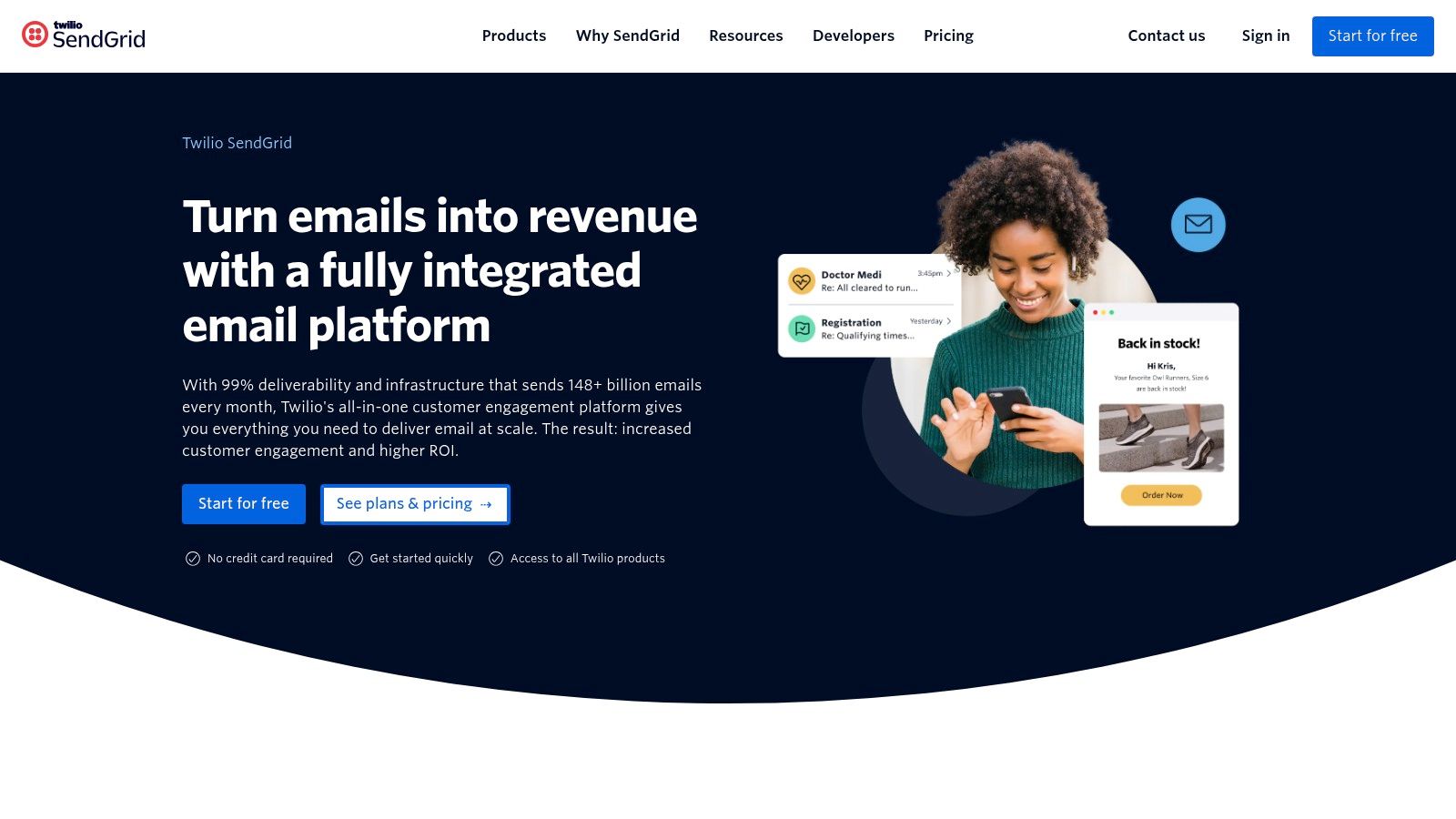
The primary advantage of using a SendGrid onboarding email template is leveraging its industry-leading deliverability infrastructure from the start. The templates are designed to be clean and efficient, reducing the risk of landing in spam folders. For SaaS companies that trigger onboarding emails based on specific in-app user actions, SendGrid's robust API and extensive documentation provide the flexibility needed to build highly customized and timely communication flows. This makes it ideal for teams who prefer adapting code over working within the constraints of a visual, drag-and-drop editor.
Key Details & Access
- Access: The HTML templates in the gallery are free to download after submitting a form with your contact details.
- Format: You receive raw, responsive HTML files that can be edited in any code editor and implemented in your email sending service of choice, whether it's SendGrid or another platform.
- Best For: Developer-centric teams and SaaS businesses that need a reliable, code-based foundation for their programmatic onboarding sequences and value high deliverability.
| Pros | Cons |
|---|---|
| Code-first flexibility for deep customization | Requires a form fill to download templates |
| Built on a proven, high-deliverability platform | Less of a drag-and-drop experience; requires HTML knowledge |
| Free, responsive HTML templates for quick starts | Better for individual templates than a holistic "onboarding kit" |
Website: https://sendgrid.com
7. Postmark
Postmark is a go-to resource for developers and SaaS teams who prioritize technical excellence in their email delivery. While primarily an email sending service, Postmark provides a free, production-ready welcome email template that stands out for its quality and simplicity. This isn't a bloated pack of assets; it’s a single, meticulously crafted HTML and plain-text template designed for immediate implementation. It’s a perfect onboarding email template for teams wanting a clean, reliable, and technically sound foundation.
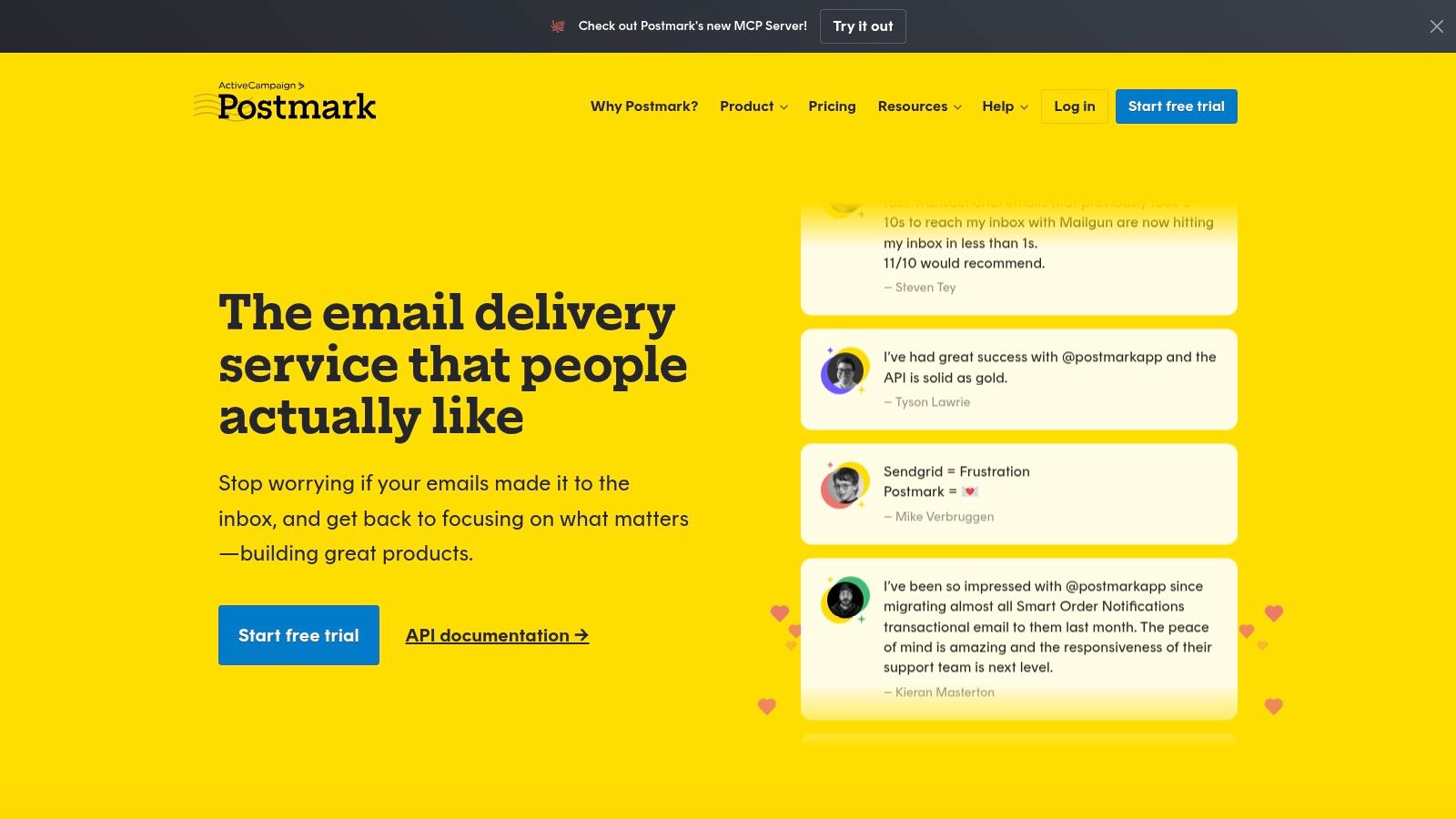
The key advantage of Postmark's template is its focus on modern email standards. It is fully responsive, accessible, and comes with built-in dark mode compatibility, an often-overlooked detail that significantly improves user experience across different email clients. The template is accompanied by a best-practices guide, ensuring your first interaction with a new user is not only visually clean but also technically robust, maximizing deliverability and engagement from the start.
Key Details & Access
- Access: The template is completely free and accessible directly from their website. No sign-up or form submission is required to get the code.
- Format: You receive the raw HTML and plain-text versions, which can be copied and pasted directly into your application's codebase or any email service provider (ESP) that supports custom HTML.
- Best For: Developer-led teams or businesses that need a high-quality, no-fuss welcome email template that works flawlessly across all clients and can be integrated into any sending system.
| Pros | Cons |
|---|---|
| High-quality, production-ready code is free and open | Only provides a single welcome template, not a full sequence |
| No lock-in; works with any email sending platform or service | Requires you to use your own ESP or automation system to send |
| Includes dark-mode support and accessibility best practices | Less suitable for non-technical users wanting a visual editor |
Website: https://postmarkapp.com
8. BeeFree
For teams that prioritize visual design and rapid implementation, BeeFree offers a powerful solution. While not a traditional template provider in the same vein as a downloadable file pack, its platform features a vast library of over 1,600 responsive email templates, with dedicated categories for SaaS welcome series and other onboarding scenarios. Its primary differentiator is the intuitive, no-code visual builder that allows for deep customization without any HTML knowledge.
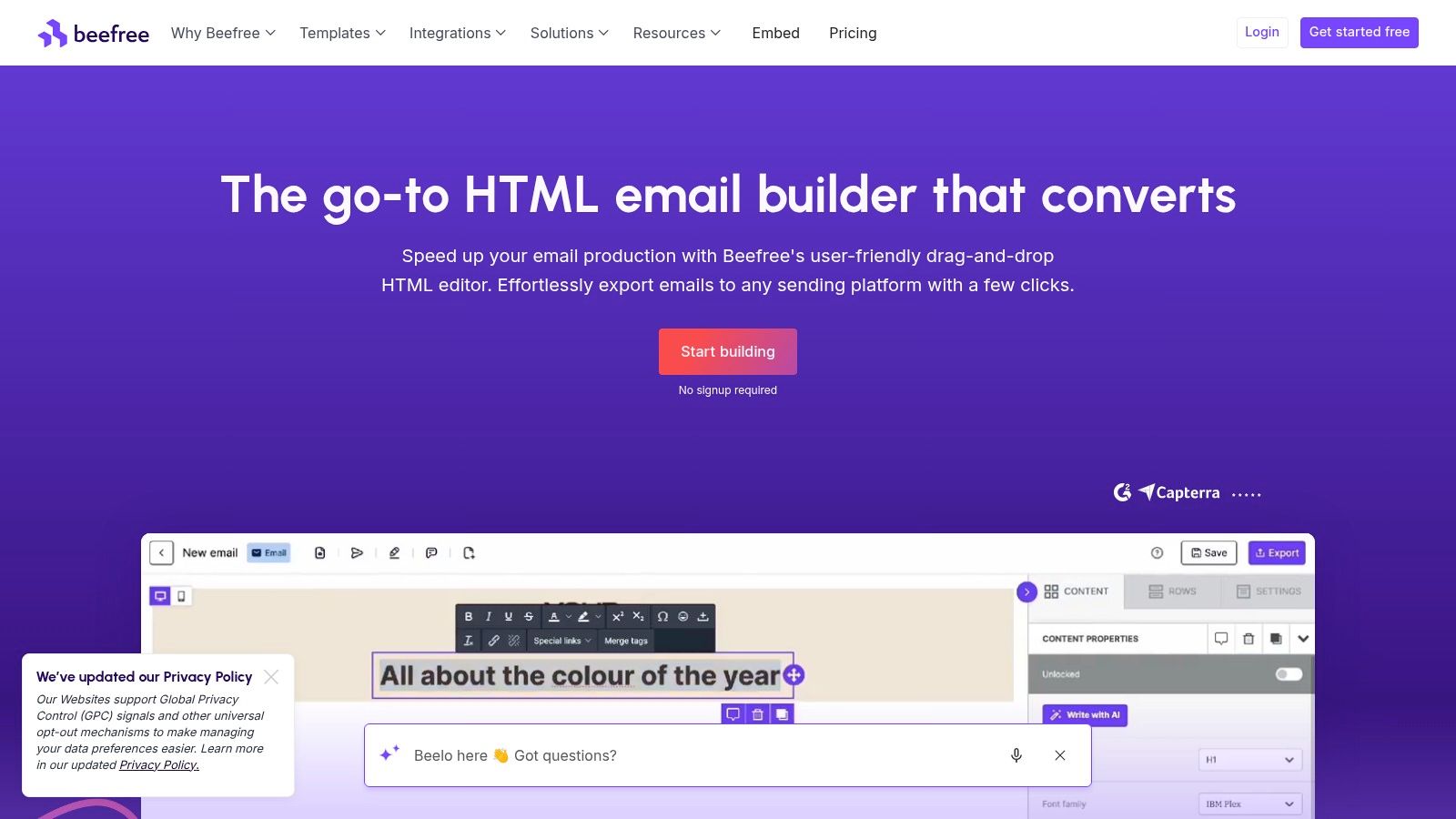
BeeFree excels at bridging the gap between design and delivery. After customizing an onboarding email template, you can export the final HTML with one click to dozens of major Email Service Providers (ESPs) like HubSpot, Mailchimp, and SendGrid. This feature is invaluable for teams that use different tools across their marketing and transactional email stacks, ensuring design consistency. It's an excellent workflow for creating a visually appealing and brand-aligned onboarding email template and then plugging it directly into your existing automation platform.
Key Details & Access
- Access: BeeFree offers a free plan with access to many templates and the core editor. Premium templates and advanced features require a paid subscription.
- Format: Interactive, web-based visual editor. You build and customize the template directly on the platform and then export the ready-to-use HTML to your ESP.
- Best For: Teams that want high-quality, visually polished email designs and need a fast, code-free way to build and export templates to multiple email platforms.
| Pros | Cons |
|---|---|
| Massive library of professionally designed templates | Some of the best templates are behind a paywall |
| Fast visual editing with a no-code interface | Requires manual export/import for each new template |
| One-click export to a wide range of ESPs | Brand consistency must be managed across templates |
Website: https://beefree.io
9. Stripo
Stripo is an advanced email design platform that offers a powerful and flexible solution for creating a polished onboarding email template. It moves beyond simple text-based templates by providing a drag-and-drop editor alongside direct HTML code access, catering to both non-technical marketers and detail-oriented developers. The platform features an extensive library of over 1,300 pre-built templates, with a dedicated category for onboarding and welcome series that can be easily filtered and customized.
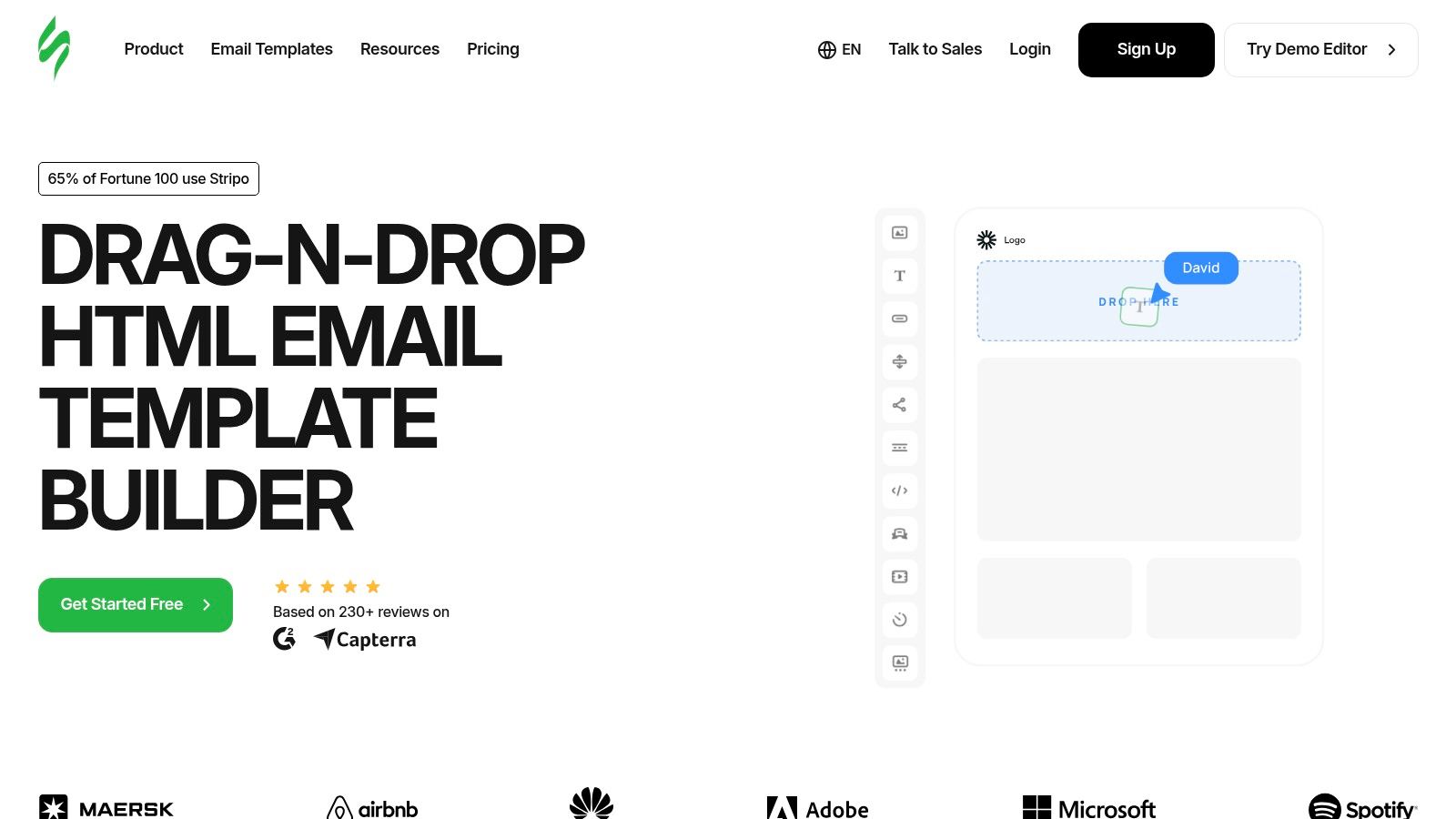
The platform's primary advantage is its seamless integration and export functionality. Once you have perfected your design, Stripo allows for one-click exports to over 70 popular Email Service Providers (ESPs) and CRMs, including Mailchimp, HubSpot, and SendGrid. This feature significantly streamlines the workflow, eliminating the manual process of copying and pasting HTML, which often leads to rendering issues. For teams that want pixel-perfect, responsive emails without deep coding knowledge, Stripo provides an efficient and professional-grade toolset.
Key Details & Access
- Access: Stripo operates on a freemium model. A free plan is available with limited templates and exports, while paid plans unlock the full library and advanced features.
- Format: These are fully interactive templates within a powerful visual editor. You build, customize, and then export the final HTML to your email platform of choice.
- Best For: Teams that prioritize high-quality, responsive email design and need a tool that simplifies the creation and export of complex layouts to various ESPs.
| Pros | Cons |
|---|---|
| Huge library of professionally designed templates | Some of the best templates require a paid plan |
| Easy one-click export to dozens of platforms | The editor is feature-rich, which can have a slight learning curve |
| Supports both drag-and-drop and direct HTML editing | Best experience is on desktop; mobile authoring is limited |
Website: https://stripo.email
10. Really Good Emails
For teams seeking inspiration before building their own onboarding email template, Really Good Emails is an indispensable resource. Rather than offering downloadable files, it serves as a massive, curated gallery of real-world email examples from top brands across various industries. This allows you to see what successful companies are actually sending to their new users, providing high-quality inspiration for both design and copywriting.
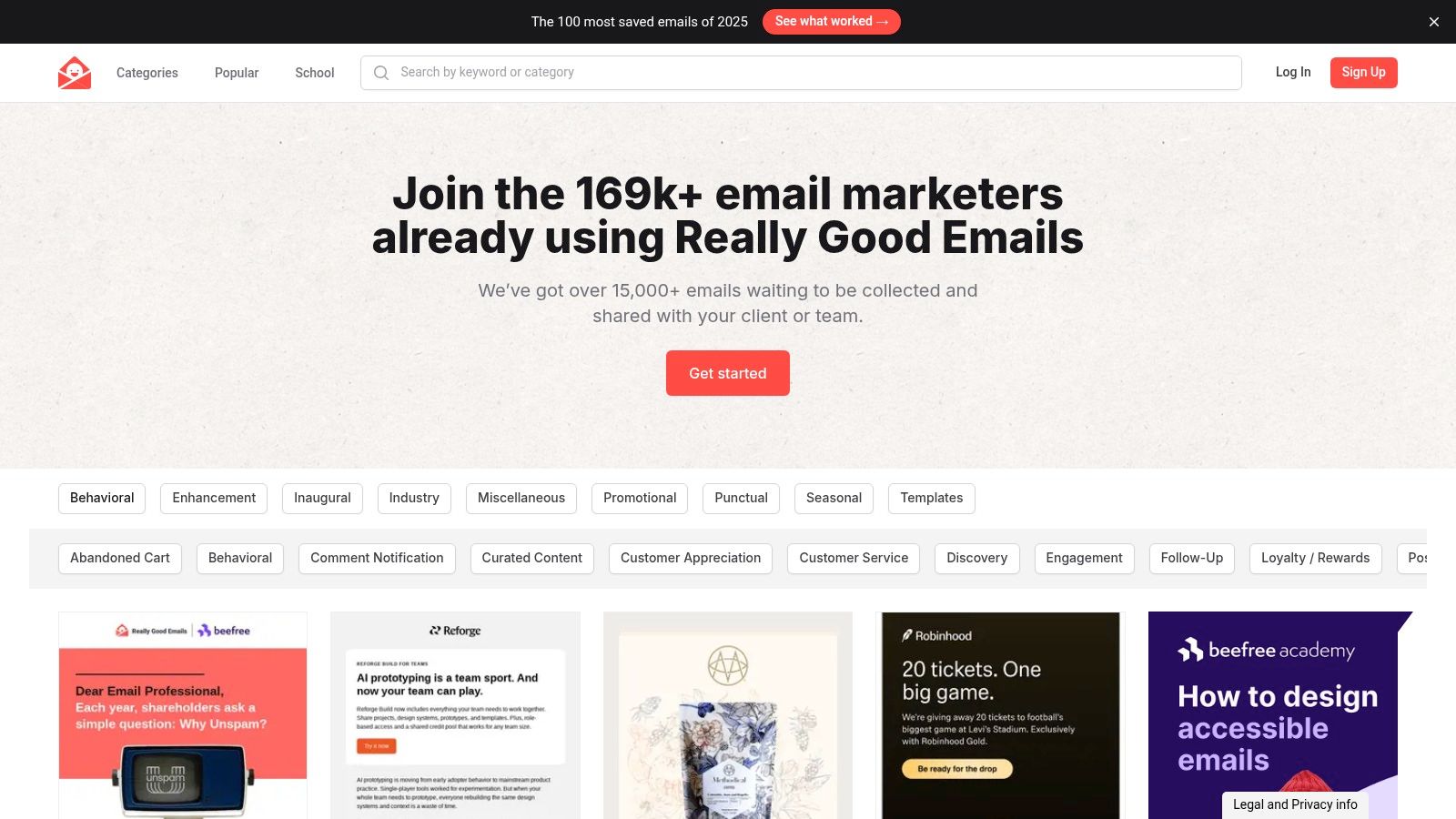
The platform's strength lies in its extensive and searchable library. You can filter specifically for "Onboarding" or "Welcome" emails to analyze subject lines, calls to action, visual hierarchy, and overall tone. This process helps teams benchmark their own ideas against proven examples and refine their strategy before committing to a specific design. While it doesn't provide ready-to-use templates, the insights gained from deconstructing effective emails are invaluable for creating a truly custom and impactful onboarding sequence.
Key Details & Access
- Access: The gallery is completely free to browse without requiring any signup or contact information.
- Format: This is a visual library of email screenshots and code snippets. You cannot download a template directly; you must use the examples as inspiration to build your own emails in your preferred editor.
- Best For: Teams in the planning and design phase who want to research best-in-class examples to inform their own copy, design, and onboarding strategy.
| Pros | Cons |
|---|---|
| Free access to thousands of real-world emails | Not a template generator; requires manual creation |
| High-quality inspiration for copy and design | Can be time-consuming to browse and find examples |
| Excellent for benchmarking and strategy | Focus is on inspiration, not ready-to-use assets |
Website: https://www.reallygoodemails.com
11. Mailmodo
Mailmodo stands out by moving beyond static emails and providing free, responsive onboarding email templates equipped with AMP-capable interactive elements. This technology allows users to take meaningful product actions-like filling out a form, booking a demo via a calendar, or browsing a feature carousel-directly inside their email inbox. It’s an innovative approach designed to shorten the user's time-to-value and boost activation rates.
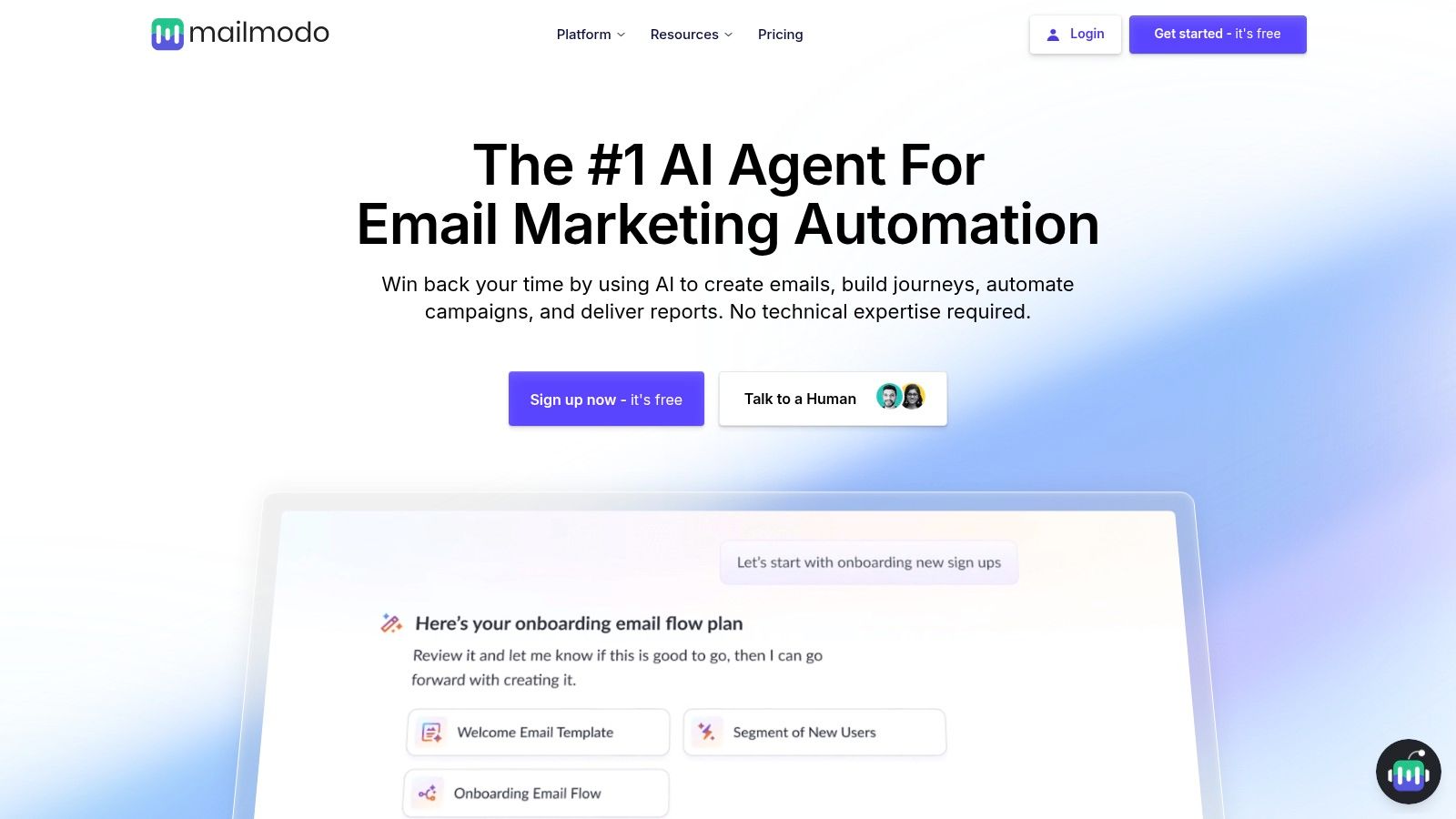
The primary strength of Mailmodo is its focus on reducing friction in the early stages of the customer journey. For product-led growth (PLG) teams, enabling users to engage with key features without first clicking through to the app can be a significant advantage. The platform provides a library of ready-to-use templates along with a built-in email builder and sending service, creating a cohesive, all-in-one environment for creating and deploying a modern onboarding email template sequence. This functionality helps drive immediate engagement and gather valuable user data from the very first interaction.
Key Details & Access
- Access: Mailmodo offers a free plan that includes access to their template library and interactive features, with paid plans for higher sending volumes and advanced capabilities.
- Format: Templates are accessed and customized within Mailmodo's interactive drag-and-drop email builder and can be sent directly from their platform.
- Best For: Product-led SaaS companies that want to leverage interactive emails to accelerate user activation and create a more dynamic, engaging onboarding experience.
| Pros | Cons |
|---|---|
| Enables in-email actions to accelerate user activation | Full interactivity depends on AMP support in recipients' email clients |
| Modern, mobile-responsive templates are ready to use | Smaller ecosystem and fewer integrations compared to legacy ESPs |
| Integrated builder and sending platform | May be overly complex for teams needing simple, static emails |
Website: https://www.mailmodo.com
12. Etsy
For bootstrapped startups and niche businesses, Etsy offers a surprisingly rich and affordable source of onboarding email templates. While known for handmade goods, the platform hosts countless creators selling digital downloads, including comprehensive welcome sequences and onboarding email packs. These are often designed for specific industries like coaching, real estate, or creative agencies, providing a level of specialization not found in more generalized template libraries.
The main advantage of using Etsy is the combination of low cost and immediate access. You can find professionally written and designed sequences for a fraction of the cost of custom copywriting, delivered instantly as editable files. This makes it an ideal solution for teams that need a solid starting point for their onboarding email template but lack the budget for premium tools. The templates typically come in user-friendly formats like Canva or Google Docs, making them easy to adapt before pasting into an email service provider.
Key Details & Access
- Access: Templates are purchased as instant digital downloads from individual sellers. Prices vary but are generally very low.
- Format: Common formats include Canva, Google Docs, Flodesk, and PDF files. These require manual copying and pasting into your email automation platform.
- Best For: Solo founders, small businesses, or niche-specific companies (like coaches or agencies) who need affordable, pre-written sequences and are willing to handle manual implementation.
| Pros | Cons |
|---|---|
| Extremely affordable one-time purchases | Quality and completeness can vary significantly between sellers |
| Highly specific templates for various niches | Requires manual import and formatting into your ESP |
| Instant access to editable files | Not integrated; no automation or analytics features |
Website: https://www.etsy.com
Onboarding Email Template: 12-Tool Comparison
| Product | Core features | UX / Quality (★) | Value / Price (💰) | Target / USP (👥 ✨🏆) |
|---|---|---|---|---|
| HubSpot | Free onboarding template pack + guides | ★★★★ | 💰 Free downloads (form required) | 👥 Starter CS/growth teams · ✨ Practical, guided templates · 🏆 Educational library |
| Mailchimp | Built-in welcome flows, list/tag automation, consults | ★★★★ | 💰 Freemium; consults on paid plans | 👥 Startups/marketing · ✨ Low-lift launch · 🏆 Large ecosystem |
| Klaviyo | Welcome flows, flow library, deep segmentation | ★★★★ | 💰 Paid tiers; scales with volume | 👥 SaaS & ecommerce · ✨ Event-driven personalization · 🏆 Fast deployment |
| Customer.io | Starter layouts, reusable components, multichannel | ★★★★ | 💰 Mid-tier pricing; flexible | 👥 Product-led teams · ✨ Email+in-app+SMS orchestration · 🏆 Data-driven automation |
| ActiveCampaign | Onboarding template + automation recipes, drag‑drop, AI | ★★★★ | 💰 Affordable plans; free design service on plans | 👥 Lean teams · ✨ Free template branding service · 🏆 Strong automation depth |
| Twilio SendGrid | Responsive HTML templates + Email API & docs | ★★★★ | 💰 Freemium; pay-for-send model | 👥 Dev-led teams · ✨ Code-first templates & deliverability · 🏆 Reliable API |
| Postmark | Production-ready HTML + TXT template, dark-mode ready | ★★★★ | 💰 Free template; use your ESP to send | 👥 Devs needing clean baseline · ✨ Dark-mode & accessibility guidance · 🏆 Production-quality code |
| BeeFree | 1,600+ templates, no-code visual editor, ESP export | ★★★★ | 💰 Free + premium templates | 👥 Designers & cross-ESP teams · ✨ Fast visual editing & exports · 🏆 Large catalog |
| Stripo | Drag-and-drop + HTML editor, templates, ESP export | ★★★★ | 💰 Freemium; some premium templates | 👥 Email designers/agencies · ✨ Desktop-rich editor & filters · 🏆 Easy ESP integration |
| Really Good Emails | Curated gallery of real onboarding examples & benchmarks | ★★★★ | 💰 Free inspiration (no templates) | 👥 Designers & copywriters · ✨ Real-brand examples & benchmarks · 🏆 Source for inspiration |
| Mailmodo | AMP-capable interactive templates (forms, calendars) | ★★★ | 💰 Freemium; niche PLG value | 👥 Product-led teams · ✨ In-email interactivity (AMP) · 🏆 Speeds activation (when supported) |
| Etsy | Marketplace downloadable onboarding packs (Canva/Docs/etc.) | ★★★ | 💰 Very affordable, pay-per-pack | 👥 Bootstrapped founders/niche industries · ✨ Industry-specific swipe files · 🏆 Low-cost options |
Turn Your Templates Into an Automated Retention Engine
You now have a comprehensive library of resources, from robust email service providers like HubSpot and Customer.io to specialized design tools like Stripo and inspiration hubs like Really Good Emails. We’ve dissected each platform, offering subject lines, body copy, and strategic implementation guides to help you build the ultimate onboarding email template collection. However, a great template is only half the battle. The true differentiator for modern SaaS businesses lies not in the quality of the static message, but in the intelligence and timing of its delivery.
The most successful onboarding sequences are dynamic, not linear. They respond to user actions (or inactions) in real-time, creating a personalized journey that guides each customer toward activation and long-term value. This is where the power of automation, triggered by behavioral and financial data, transforms your onboarding from a simple welcome series into a sophisticated, proactive retention machine.
From Static Templates to a Dynamic System
The core takeaway from this guide is that your onboarding strategy must evolve beyond a one-size-fits-all approach. By connecting the templates you’ve gathered to a system that understands user context, you can achieve a level of personalization that was once only possible for enterprise-level companies.
Key strategic shifts to consider:
- Trigger-Based, Not Time-Based: Instead of sending "Day 3" and "Day 7" emails, send emails triggered by specific actions. Did a user just integrate their calendar but fail to invite a teammate? That’s a perfect moment for a targeted email with a template designed to encourage collaboration.
- Segment Beyond Demographics: Move past segmenting by company size or role. Focus on behavioral cohorts. Group users who have only engaged with one core feature, those who haven't logged in for five days, or customers whose Stripe subscription payment is about to fail. Each group requires a unique onboarding email template and message.
- Proactive Intervention: Don't wait for a user to cancel or file a support ticket. Use signals like declining feature usage, failed payments, or ignored in-app prompts as early warnings. An automated email offering help or highlighting a relevant case study can re-engage a user on the brink of churning.
Implementing Your Automated Onboarding Engine
Putting this system into practice requires connecting three critical components: your email sending platform (like SendGrid or Mailchimp), your subscription data (from Stripe), and your product usage analytics. This is where specialized tools become indispensable. While many of the platforms we discussed offer automation features, a dedicated solution can provide deeper, more nuanced insights specifically for SaaS churn reduction. To fully leverage your templates, explore effective tools for automating SaaS marketing campaigns, which can significantly boost your retention efforts.
Your final selection should be based on your company's stage and technical resources. Are you a bootstrapped startup needing a no-code solution that connects directly to Stripe? Or are you a larger team with engineering resources to build custom integrations with a platform like Customer.io? Your answer will guide you to the right toolset. Regardless of the tools you choose, the principle remains the same: leverage data to make your communication more relevant, timely, and impactful. By combining the powerful templates in this guide with intelligent automation, you will not just welcome new users, you will actively guide them to success and secure their long-term loyalty.
Ready to turn your best onboarding email template into a fully automated, churn-fighting machine? LowChurn connects directly to your Stripe and product data to trigger the right email at the perfect moment, helping you guide users to their 'aha!' moment and proactively reduce churn. Stop sending generic sequences and start delivering personalized journeys that drive retention with LowChurn.